


On this page
In the Demand Gen vs Performance Max decision, both options are AI-driven Google Ads campaign types built for different jobs. Performance Max (PMax) is a goal-based campaign that reaches all Google Ads inventory, Search included, from a single campaign. Demand Gen campaigns run image and video ads on YouTube (including Shorts), Discover, Gmail, Maps, and the Google Display Network. They give more control over creative testing, audience targeting, and placements on YouTube and Discover.
PMax and Demand Gen can be used together. Two questions settle the choice: does the budget need to reach people searching on Google, and does the team need to choose who sees each ad and where?
Demand Gen vs Performance Max: When to choose each
When Performance Max is the better fit
Pick PMax, or a Search campaign, when the budget has to capture search demand. Its channels are Search, Maps, YouTube, Discover, Gmail, and the Google Display Network; Demand Gen covers the same surfaces without Google Search. PMax is the recommended option when the goal is conversions such as online sales or leads and the team does not want to restrict where ads appear. Audience signals guide its learning.
Search controls sit in PMax as well: brand exclusions, negative keywords, and search themes. Brand exclusions and negative keywords are not eligible on Demand Gen. A campaign pre-filled from PMax can serve on YouTube searches related to brands the PMax campaign excludes. Lead forms are available in Performance Max and are not pre-filled into Demand Gen.
Upload vertical, horizontal, and square video before a PMax launch. With no video assets, PMax creates video from existing images and text.
Choose Demand Gen for audience, channel, and creative control
Demand Gen targets audiences directly. Its audiences include Lookalike segments built from a seed list, customer lists, website visitors, app users, YouTube users, and custom segments. Existing customers can be excluded. With optimized targeting on, Demand Gen can reach beyond the selected demographic signals. Turn it off in an ad group meant to prove one audience.
Channel controls are set at the ad group level. To push spend onto one channel, such as Shorts, put it in its own ad group with a higher CPA target than the others. Review the account-level Content Suitability page before launch: Demand Gen manages content exclusions there.
Demand Gen campaigns generally require a higher budget: at least 10 times the target CPA a day for target bid strategies, or $100 a day minimum for Maximize bid strategies. At a $40 target CPA, that is $400 a day. A team that cannot fund that level can bid toward a lighter conversion, such as a pricing page visit, and judge lead quality in the CRM.
Build one Demand Gen ad per message: each ad shares one set of headlines, descriptions, and URLs across all its images and videos. Give each ad group at least 3 images or videos in each aspect ratio (vertical, square, and landscape). Lengths, text limits, and sizes are in Starti's YouTube ad specs guide.
Demand Gen campaigns run without frequency caps. Refresh creative by adding new assets before removing old ones, using the signals in Starti's ad fatigue guide.
Display buying now has a home in Demand Gen too. In June 2026 Google began a phased rollout of a migration tool that lets eligible advertisers move existing Google Display Ads campaigns to the Google Display Network on Demand Gen. It ports up to 42 days of performance history, and migrated campaigns can't be reverted. Move live campaigns with the tool. An identical copy starts without that history.
Run both when each campaign has its own job
Split the jobs when the budget must reach Search and the team also needs to prove specific audiences or channels. PMax converts demand across all channels. Demand Gen prospects with Lookalikes on new budget, with converters and current users excluded.
When both run: Auctions, budgets, and conversions
Demand Gen vs PMax overlap is settled in the auction. When both could serve the same impression, they interact based on normal auction dynamics, and the campaign with the highest Ad Rank serves. Campaigns in one account don't compete against each other to drive up bids.
Overlap shifts delivery between the two. When campaigns share targeting, ad formats, and inventory, one campaign can start to serve more often and spend more than the other. Channel prioritization, announced October 14, 2026, lets Performance Max and Demand Gen set High or Low priority per channel group. Google surfaces like Search, YouTube, Maps, Gmail, and Discover are prioritized together as "Google channels", and the Google Display Network is set separately. On YouTube, separate the two by audience: keep PMax audience signals and Demand Gen Lookalikes on different segments, and exclude converters from Demand Gen.
Fund Demand Gen with new budget or a portion of unspent PMax budget. Set the same primary conversion actions in both, and judge the pair against the MMP or CRM instead of adding up each campaign's conversions. Campaign Type Attribution, covered in the May 20, 2026 Demand Gen update, isolates all conversions from Demand Gen.
Let Demand Gen ramp at least 2 weeks or 50 conversions before changing its construction. Then keep bid changes within 15% either way, a week apart.
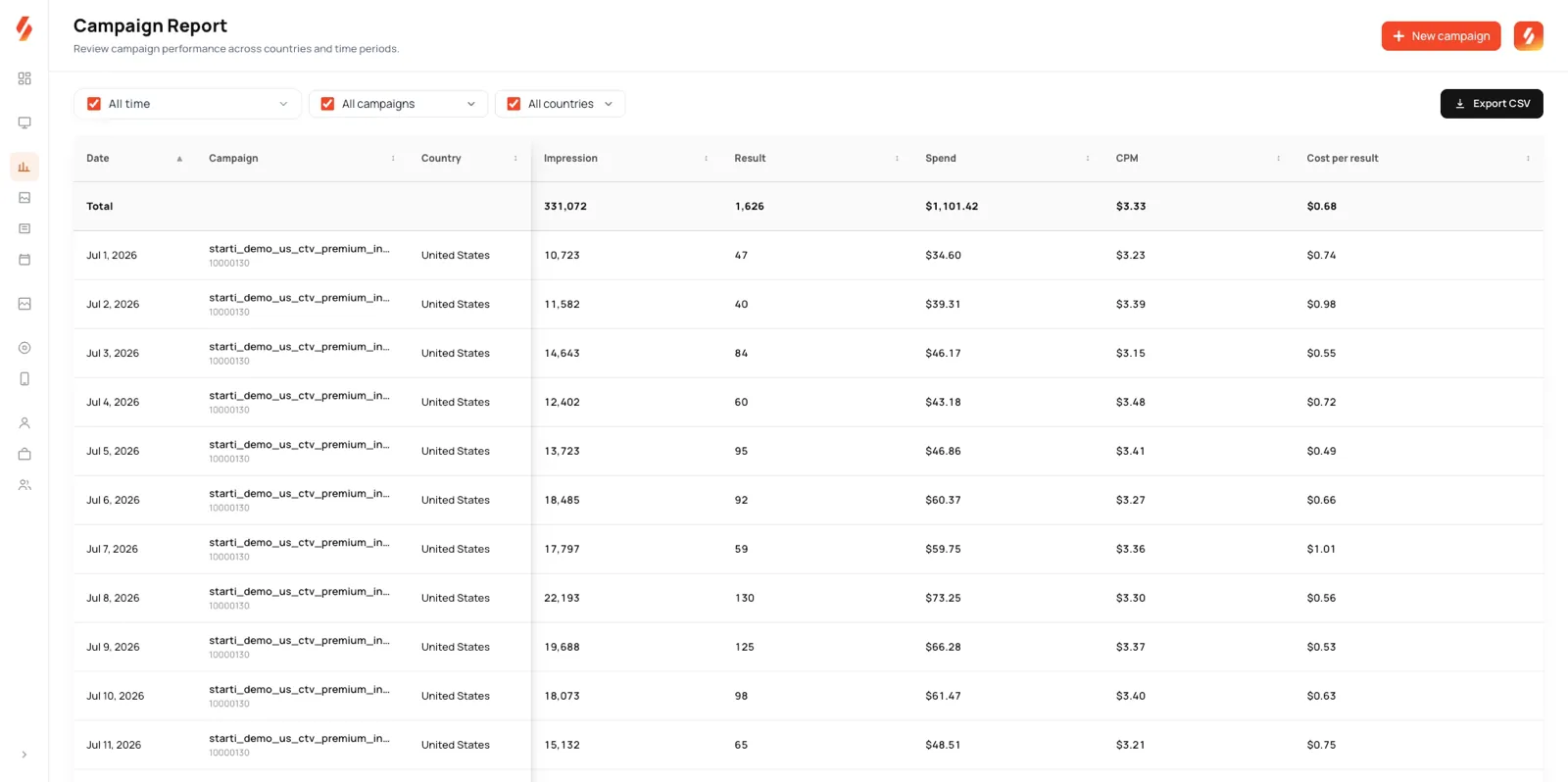
Read the channel performance report weekly while both run. Its All campaigns view shows one channel distribution table across PMax and Demand Gen. A channel that grows in one campaign as it shrinks in the other points to overlap rather than new reach.
Demand Gen and Performance Max for app advertisers
Installs stay on App campaigns. Performance Max does not support App installs as a goal, and App campaigns cover installs, engagement, and pre-registration as subtypes.
App Connect lets web campaigns, Search and PMax among them, send people who already have the app to the right in-app page and bid toward in-app conversion actions. Demand Gen audiences include app users, who can also be excluded. Device ID lists cannot seed Lookalike segments.
For an app or game team, keep install bidding and creative tests in App campaigns and turn on App Connect in PMax and Search. Give Demand Gen a web goal, such as a site sign-up or web purchase, aimed at Lookalikes of paying users with current users excluded.
How to test Demand Gen next to Performance Max
Demand Gen A/B experiments compare Demand Gen campaigns with each other.
- Variable: one per experiment, from creative, audience, product feed, or bidding; budget is not a recommended variable.
- Split: 50% recommended. The split cannot change after setup.
- Volume: with conversion bidding, at least 50 conversions per arm.
- Confidence: 70% (the default) and 80% give directional results; 95% gives conclusive results, for high certainty on big decisions.
- Length: a minimum of 4 to 6 weeks for a Demand Gen test.
Uplift Experiments, announced in the May 20, 2026 Demand Gen update, measure the uplift of adding Demand Gen to an existing mix of PMax, App, Video, or Display campaigns. Pre-fill copies audiences, assets, and core settings from a PMax campaign that is not on value-based bidding.
Example: A six-week plan for adding Demand Gen next to PMax
The plan assumes one PMax campaign on a $40 target CPA, with an MMP or CRM as the source of truth.
- Setup (week 0): pre-fill Demand Gen from PMax, then rebuild it into two ad groups: a Lookalike of paying customers and a custom segment. Both exclude current customers and run with optimized targeting off. Keep the PMax primary conversion action.
- Budget (week 0): $400 a day, 10 times the target CPA, from new budget.
- Creative (week 0): two messages, one ad each, with at least 3 videos or images per ratio in each ad group.
- Measurement (week 0): one attribution window fixed in the MMP or CRM, with blended conversions and CPA read against the pre-launch baseline. Accounts with Uplift Experiments add one against the existing PMax mix.
- Ramp (weeks 1 to 2): no changes to audiences, bids, or assets. Check pacing daily and confirm PMax spend holds.
- First test (weeks 3 to 6): Lookalike against custom segment, compared on cost per source-of-truth conversion, with both messages running in each ad group. Keep bid changes within 15%, and add assets before pausing any.
- Decision (end of week 6): scale when source-of-truth conversions rose and blended CPA stayed at or under $40. Cut Demand Gen when blended CPA rose. When the result is inconclusive, hold budget and run a creative A/B test of the two messages inside the better audience.
Preparing one video for both campaigns with Video Agent
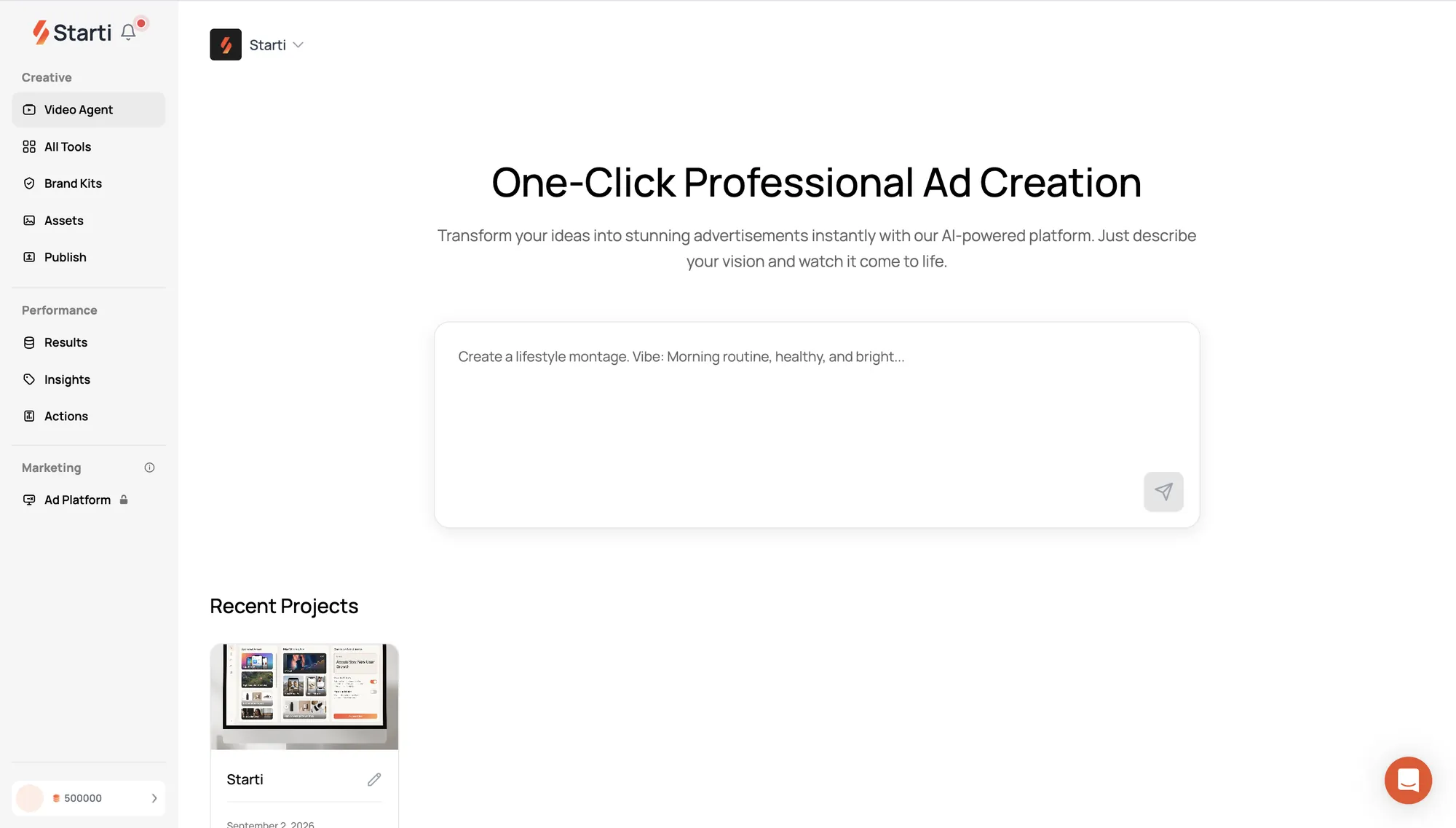
Video Agent, part of Starti AI Studio, turns a brief into a finished video ad, then reframes that video into vertical, square, and horizontal versions. Approved creatives publish from the asset library straight to connected Google Ads accounts.
When a Demand Gen test calls for a new opening, Video Agent revises that one scene and keeps the rest of the approved cut. See how Video Agent works.
Frequently asked questions
Should I use Demand Gen or Performance Max?
Start with Search. In Demand Gen vs PMax, PMax reaches Google Search and Demand Gen does not; Demand Gen lets the team set audiences, channels such as Shorts, and creative per ad. Pick the campaign whose reach or control the plan needs, or run both with separate budgets and audiences.
Can Demand Gen and Performance Max run at the same time?
Yes, in the same account. Give Demand Gen its own budget, exclude converters from it, and read both campaigns together in the All campaigns view of the channel performance report.
Is Demand Gen replacing Display campaigns?
Google Display Ads campaigns are moving into Demand Gen, where the Google Display Network becomes a channel, starting with a phased rollout of the migration tool in June 2026. Demand Gen bidding does not include Manual CPC; Maximize clicks and Target CPC are its click-based options.
Can Performance Max drive app installs?
No. Run installs in App campaigns, and turn on App Connect in PMax and Search to send people who already have the app to in-app pages.
How long should a Demand Gen test run?
Plan for at least 4 to 6 weeks, with no construction changes during the first 2 weeks or 50 conversions. Under conversion bidding, each A/B arm needs at least 50 conversions to surface results.