
On this page
- Start from the conversion the ad has to earn
- How to show software in a video ad
- Placements and lengths for SaaS video ads
- B2B and PLG ads have to prove different things
- What a startup with a small budget makes first
- Example: A first-month video ad plan for a SaaS startup
- How to read the first month's results by funnel stage
- Versioning a winning ad for a second audience or market
- Who makes the ads: In-house, freelancers, or a production partner
- Claims and policy checks for SaaS ads
- SaaS video production with Starti Creative Studio
- Frequently asked questions
SaaS video production for paid media starts from the conversion the ad has to move: a trial start, a sign-up, or a demo request. That goal sets the opening, screens, length, and placement.
Product detail earns the click. Google and National Research Group's October 2025 B2B buyer playbook states that for B2B buyers, product specifications and features are the top reason they click on an ad. The playbook draws on a survey of 2,063 US senior leaders who made B2B purchases in the last six months. It adds that buyers don't want glossy, overproduced assets. Put screen footage and one clear action ahead of polish.
Start from the conversion the ad has to earn
LinkedIn's video ad guidance tells advertisers to identify the key objective for each video campaign, and it lists a quick product demo as conversion content.
- Free trial: open on the task the product finishes, show the first result, and end on the trial with the terms the sign-up page shows.
- Freemium sign-up: show how fast a new account reaches a useful result. The ad sells starting; the product sells the upgrade.
- Demo request: open on the buyer's problem, show one screen that proves the product handles it, and end on what the demo covers.
Pick the optimization event before production. Google's Demand Gen guidance suggests optimizing for lightweight conversion events such as a site visit. On target CPA bidding, it recommends a budget of at least 10 times the target CPA. With few paid conversions, optimize on trial starts or sign-ups and read activation or qualified demos in the CRM as the guardrail. Make the final frame match the first screen after the click.
How to show software in a video ad
Screen footage works when the viewer can read it on a phone: record at full resolution, then crop to the part of the interface that changes in each shot.
LinkedIn's guidance puts the key content in the first 10 seconds and suggests burned-in subtitles for the large portion of members who watch with the sound off. Caption files upload in SRT format, per LinkedIn's video ad specs. Google's ABCD guidance adds two rules: brand early, and back the onscreen call to action with voice-over.
- Opening: the result the buyer wants, on screen in the first seconds, with the logo in the product header.
- Product moments: two or three screens, each held long enough to read its caption.
- Captions: one line per screen stating what it proves, written for muted autoplay.
- End frame: the action on screen and in voice-over, the page the click opens, and the trial or demo terms.
Starti's video brief examples include a filled-in brief for a 20-second B2B software demo ad.
Placements and lengths for SaaS video ads
- LinkedIn feed: LinkedIn recommends videos of 15 to 30 seconds, which helps them qualify for Feed and Audience Network placements, and 4:5 is the recommended vertical ratio.
- YouTube Shorts: Google recommends vertical videos of 10 to 30 seconds for action-oriented ads. In Demand Gen, App, and Performance Max campaigns, the CTA button appears 3 seconds in.
- Demand Gen: videos under 10 seconds won't serve in YouTube in-stream.
- Meta: Stories and Reels run vertical, with the safe zones in Starti's guide to Instagram Stories and Reels ads.
One master can serve LinkedIn and Shorts. Frame a 1080 x 1920 edit with the interface and captions inside the center 1080 x 1350 area, and it crops cleanly to 4:5.
LinkedIn data from 2025 shows 7 to 15 second videos lifting completion rates, while longer form content drove as many clicks and views as shorter videos. Judge length on clicks and leads. The ratio and length grid in Starti's video ad production guide sets the remaining versions.
B2B and PLG ads have to prove different things
- PLG, self-serve: prove the product is easy to start and pays off fast. Show the first-run steps and the first result. Judge on activated sign-ups.
- B2B, sales-led: prove fit and credibility to a buyer who will bring in colleagues. Show the role's problem, one feature that answers it, and a demo offer. LinkedIn advises bidding by cost per click to collect leads. Judge on qualified demo rate in the CRM, not cost per lead.
When a product is sold both ways, SaaS video marketing needs separate ads per path. A demo ad that also offers a trial splits the click.
What a startup with a small budget makes first
Video production for startups goes furthest when the budget buys a few concepts with several openings each. LinkedIn recommends 4 to 5 ads per campaign and testing one variable at a time. Two concepts with two openings each fill one campaign.
Spend on capture and openings before polish: one screen recording session with synthetic data and alternate openings shot the same day feeds the first month. Set the question and fixed controls for each round before launch, as in Starti's guide to creative testing.
Example: A first-month video ad plan for a SaaS startup
An example plan for a fictional invoicing tool that sells to small agencies through a 14-day free trial:
- Goal: optimize on trial starts, with trials that send a first invoice within 14 days as the guardrail.
- Channels: Demand Gen for Shorts and Google feeds, LinkedIn for agency founders.
- Budget: at least 10 times the target cost per trial on Demand Gen, per Google's target CPA guidance.
- Concepts: problem-first, about chasing late payments, and product-first, an invoice built from a time log.
- Openings: two per concept from one capture session, four ads per campaign.
- Versions: a 20 to 25 second 9:16 master, cropped to 4:5 for LinkedIn and recut at 16:9 for in-stream, all captioned, with voice-over for Shorts.
- First week: script, capture with synthetic client data, and a claims check against the sign-up page and its post-trial terms.
- Second week: launch both campaigns, with creative, audience, and landing page unchanged through the fourth week.
- Third week: read cost per trial start by concept.
- Fourth week: at the week's end, read the first-invoice rate for second-week trials, all at least 14 days old.
- Decision rule: a concept that wins on cost per trial and loses on first invoices gets a new ending before more budget.
- Next round: two new openings inside the winning concept, tested against its best current one.
- Owners: product marketing for UI accuracy and claims, the producer for edits, the growth lead for the read.
How to read the first month's results by funnel stage
Read each concept from the bottom of the funnel up: a concept with cheap views and no activated trials loses to a costlier one whose trials activate. Fix the stage where the drop starts:
- Early drop-off: test new openings and keep the rest of the cut.
- Views without clicks: rewrite the call to action on screen and in voice-over.
- Clicks without trial starts: match the landing page's first screen and terms to the final frame.
- Trials without activation: rewrite the ending around the first result a new account reaches.
- Unqualified demo requests: check job titles in the CRM against the target role before changing the creative.
Versioning a winning ad for a second audience or market
Take only the winning concept into a new audience or market. Keep its product moments and change the opening, captions, and end frame.
- Another role: open on that role's problem and call out the role in the intro text, a test LinkedIn's guidance suggests. Run it as its own campaign.
- Lookalike audience: Google's Demand Gen guidance points to Lookalike segments for reaching people similar to existing customers. Test that audience with the winning cut unchanged.
- New market: localize the voice, on-screen text, and landing page terms. Show a translated interface when the product ships one; a mocked translated screen fails LinkedIn's requirement that the product match the ad.
Who makes the ads: In-house, freelancers, or a production partner
Split the work by who holds the product knowledge:
- In-house team: screen capture, UI accuracy, claim support, the landing page, and the test read, in every model.
- Freelance editor: the edit, captions, and versions, from footage and a brief the team supplies.
- Production partner: concept, script, talent, and edit for a defined set of ads.
- Managed service: concepts, production, revisions, versions, and a results review after launch, from the client's product, audience, goal, and assets.
Pick by the bottleneck. When product accuracy and iteration speed hold the work back, keep capture in-house and hire an editor. When concepts and format volume hold it back, a startup video production company or a managed service carries more.
What to hand a production partner or freelancer
Send the facts with the brief, before anyone writes a script:
- Product access: a working account on the plan the ad sells, loaded with synthetic data.
- Target audience: the role, its problem, and the words it uses for that problem.
- Conversion goal: the optimization event, the page the click opens, and its trial or demo terms.
- Claims sheet: every outcome line planned for the script, with its source.
Check footage from other marketing videos, such as explainers and onboarding tutorials, against the current interface before it goes into an ad.
Claims and policy checks for SaaS ads
LinkedIn's advertising policies say every claim in an ad needs factual support, and the product has to accurately match the ad's content. Google's misrepresentation policy bars claims that lure users with an improbable result as the likely outcome they can expect. It also requires a clear and conspicuous disclosure of the payment model or full cost a user will bear before and after purchase. The ad and its landing page or app have to match.
Check the final cut against the live product and the linked page:
- Interface: every screen exists in the product a new user gets, on the plan the ad sells.
- Outcome claims: time saved or revenue lines carry a source the team can produce, or leave the script.
- Trial terms: the payment model after the trial appears on the linked page, in the ad's words.
SaaS video production with Starti Creative Studio
Starti Creative Studio is a managed video ad creative service: Starti's team handles concepts, production, and revisions. Teams share their product, audience, goal, and assets, Starti helps shape the brief, and creative direction and videos are reviewed in the project workspace.
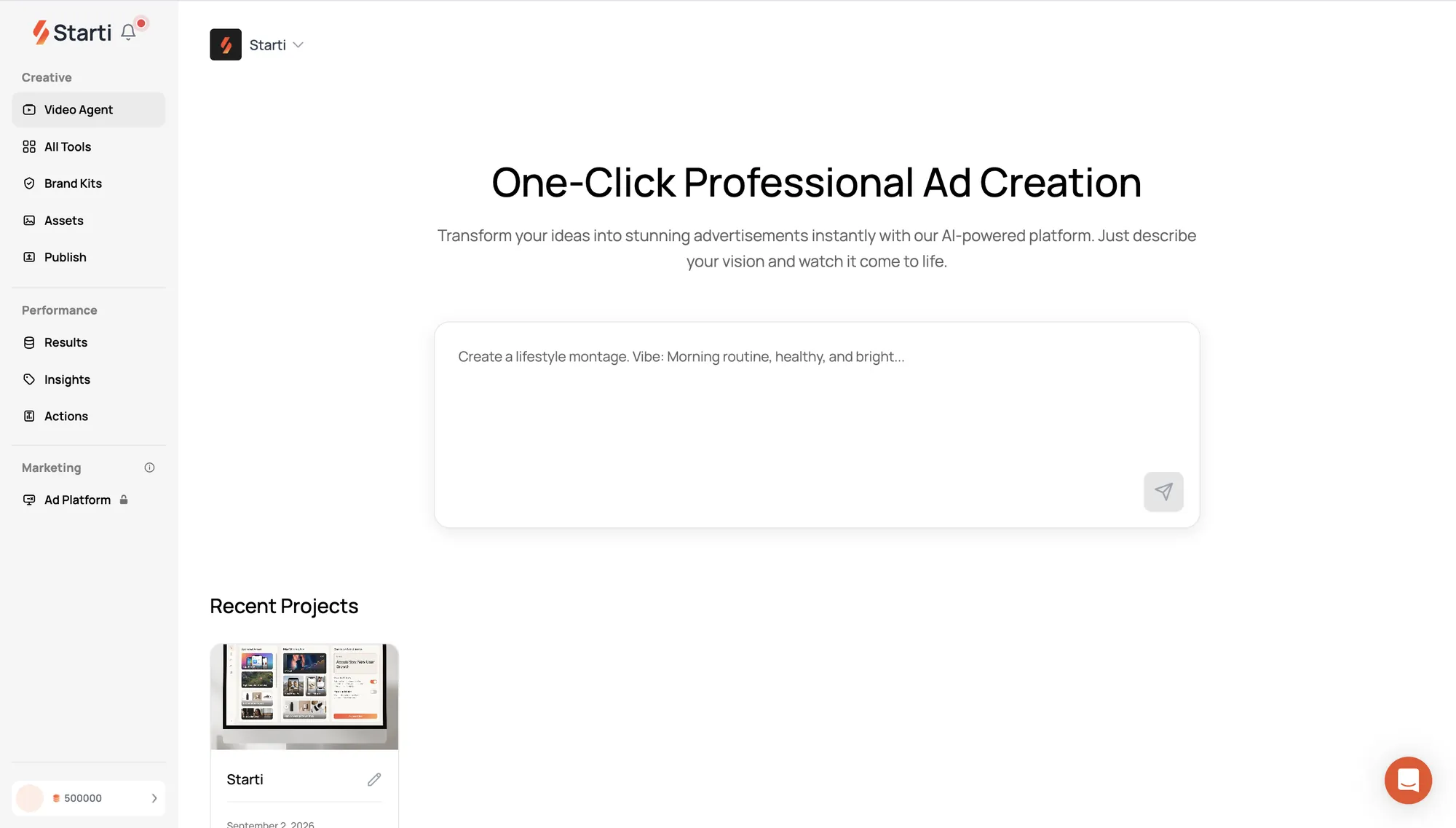
Production covers vertical, square, and widescreen formats, plus localized voice and on-screen text. Cuts run 6s, 15s, and 30s, with the story and call to action adapted to each length. Every ad Creative Studio produces includes free performance tracking after launch, reviewed by the team that made it. Teams that produce in-house can use AI Studio, where Video Agent takes a brief from first concept to final cut on one canvas.
Discuss a SaaS video ad project on the Creative Studio page.
Frequently asked questions
What is SaaS video production?
SaaS video production is the planning, capture, editing, and versioning of video for software products. In paid media, the output is a set of ads cut to each placement's ratio and length from screen footage of the product.
Should SaaS video ads have sound?
Plan for both. In Demand Gen, YouTube Home, Gmail, and Display Network placements autoplay muted by default, and Discover autoplays muted on Wi-Fi; Shorts plays with sound on by default. Google's Shorts guidance recommends music, voice-over, or both. Give the Shorts cut audio and let burned-in captions carry the muted placements.
How do you choose a startup video production company?
Judge it on what it delivers for the test: the version list per placement, caption files for each platform, and a date for the first results review after launch. Ask to see past software ads where the interface reads on a phone.
Can a SaaS ad show a mock-up of the interface?
Yes, when every element on it exists in the product and the names, logos, and figures are synthetic or cleared. A simplified real screen fits LinkedIn's accurate-match rule; a screen for a feature that has not shipped does not.