
On this page
Video asset management is the practice, and the software, for storing, describing, finding, and reusing video files: camera originals, approved masters, and every version cut for a placement. For an ad team, two things make video harder than images. One approved ad becomes many delivery files, and the useful moment usually sits inside a clip rather than in its file name.
It is one part of creative asset management, which also governs the rights, licenses, and AI provenance recorded for each file.
Why video is harder to manage than images
One master, many delivery files
An ad team's master file is not the file that runs. The mezzanine file is "a high-quality source asset used by platforms to generate delivery-ready renditions," in IAB Tech Lab's ad format guidelines for digital video and CTV, which recommend Apple ProRes in a .mov container. Next to it, advertisers are encouraged to supply ready-to-serve renditions, and "Three to four renditions are sufficient for broad compatibility."
Each platform sets its own limits for the files it accepts:
- Meta: a maximum of 4GB per video for Instagram Stories ads, in .mp4 or .mov, per Meta's Stories ad requirements.
- TikTok: "Less than or equal to 500 MB," with a bitrate of "More than or equal to 516 kbps," for non-Spark in-feed ads, per TikTok's in-feed ad specifications, last updated in June 2026.
- Google Ads: files "less than 256 GB," with ProRes and DNxHR among the accepted formats, per Google's video ad specs.
Export each ratio once to the tightest limit that applies to it: a 9:16 file within TikTok's 500 MB also fits Meta's 4GB. Keep the master as well. A video asset library that keeps only the files that ran has nothing better to cut new versions from, and IAB Tech Lab warns that without a high-quality mezzanine file, "Ads may be encoded from lower-quality sources" and "Visual quality may degrade."
One version per placement
Placements ask for different shapes. On Meta, the aspect ratio guidance supports 1:1 and 4:5 in Feed, recommends 9:16 for Stories, Status, and Reels, and 16:9 for in-stream video. When an ad lacks one of the four shapes, the system fills the gap with options such as padding, media expansion, and cropping, and Meta advises: "Review auto-generated crops before publishing to make sure important content isn't cut off."
The count grows fast. A 30-second master cut to 30, 15, and 6 seconds in four ratios is 12 versions before any language or offer change, and a CTV placement adds a mezzanine file and its renditions. Each version needs to point back to its master, so a fix to the master can be carried to every file cut from it.
Rights that change from shot to shot
A single ad can combine owned footage, licensed stock, and generated shots, each under its own terms. Rights therefore attach to shots as well as files: a stock clip cleared for social may sit in the middle of a spot that also runs on CTV, and the license has to be checked for that one shot.
Index video by shot, not by file
Metadata standards already describe video in parts, below the level of the file:
- IPTC Video Metadata Hub: time points and shot lists each have a field. A marker "describes a location in an audio or video sequence," and the dopesheet field holds a "Shotlist with descriptions."
- EBUCore: segments of a timeline get a "part" element in the European Broadcasting Union's metadata set, with sub-parts that carry start, end, and duration time points.
Shot boundaries can be found automatically, which gives the index its in and out points. Google Cloud's shot change detection returns a list of all shots in a video with "the start and end time of the shot" for each, and its label detection labels entities at the segment, shot, and frame level.
For each shot, record five fields:
- In and out points: start and end timecode within the master.
- Description: one sentence a teammate would type to find it, such as "a hand taps Buy on a phone in daylight."
- Shot type and light: close-up, wide, or aerial, and the lighting.
- What is on screen: the product, the people, and any on-screen text or logo.
- Links: the master it came from and every ad that used it.
Test the index with a description instead of a file name. If a search for the shot a new script needs returns it, with its in and out points, the index works.
Reusing footage in new ads
Reuse starts from the master, the high-quality source IAB Tech Lab describes, rather than from a ready-to-serve rendition encoded for one platform. During video editing, the cut can run on proxies, "smaller files with a lower data rate" that take up "considerably less storage space than optimized files," as Apple's Final Cut Pro guide describes them. The final export then reads the master at the recorded in and out points.
Decide between reuse and a new shot in this order:
- Rights: do the shot's rights fields cover the new channel and dates? If not, shoot or generate a replacement.
- Master: does the master exist at the resolution and ratio the new ad needs? If only a delivery file survives, treat the shot as a reference, not as footage.
- Fit: does the shot carry the moment the new script needs within its in and out points? If it needs more than a trim, shoot or generate it.
A video asset workflow from upload to publishing
- Ingest: camera originals and the approved master, kept at native resolution and frame rate. IAB Tech Lab's mezzanine specification calls for "Native resolution (no upscaling)" and "Native frame rate."
- Proxies: smaller working copies for review and editing.
- Shot index: automatic shot detection, then a description and the five fields for each shot, checked by a person.
- Versions: lengths and ratios cut for each placement, each linked to its master, with auto crops reviewed before publishing.
- Delivery files: exported to each platform's limits, and for CTV, a mezzanine file plus ready-to-serve renditions.
- Publish and link back: each delivery file tied to its ad ID, so results can be read by version and by shot.
Example: One 30-second master, filed for Meta, TikTok, YouTube, and CTV
An example library entry for a fitness app's 30-second spot:
- Master: one ProRes .mov at native resolution, with eight shots indexed by timecode and description.
- One shot index row: 00:12 to 00:15; "a hand taps Start Workout on a phone in daylight"; close-up in soft window light; phone and app screen on screen; used in the 30- and 15-second cuts.
- Versions: 30, 15, and 6 seconds in 16:9, 9:16, 4:5, and 1:1, twelve files in all, each linked to the master.
- Meta: the 1:1 and 4:5 cuts for Feed, and the 9:16 cuts for Stories at most 4GB each.
- TikTok: the same 9:16 files, each at or under 500 MB and at or above 516 kbps.
- YouTube and CTV: the 16:9 cuts, plus a mezzanine file and three to four ready-to-serve renditions for CTV.
- Next ad: the shot "a hand taps Start Workout," found by description, pulled from the master at its timecode for a new 15-second cut.
What to look for in video asset management software
Video asset management software should answer yes to these questions:
- Shot-level search: does it split each video into shots with timecodes, and return a shot for a plain-language description?
- Masters and versions: does every delivery file link to its master, and can a new version be cut from the master?
- Proxies: can reviewers play and comment on a lightweight copy without downloading the master?
- Export presets: does it hold each platform's file limits, so a cut is exported to spec once?
- Rights by shot: can rights fields attach to a shot as well as to a file?
- Mezzanine intake: can it store a ProRes or DNxHR master as delivered, without converting it?
- Production and publishing: do search results go straight into the next step of video production, such as an edit or storyboard, and do finished ads reach the ad accounts from the same library?
Video asset management in Starti AI DAM
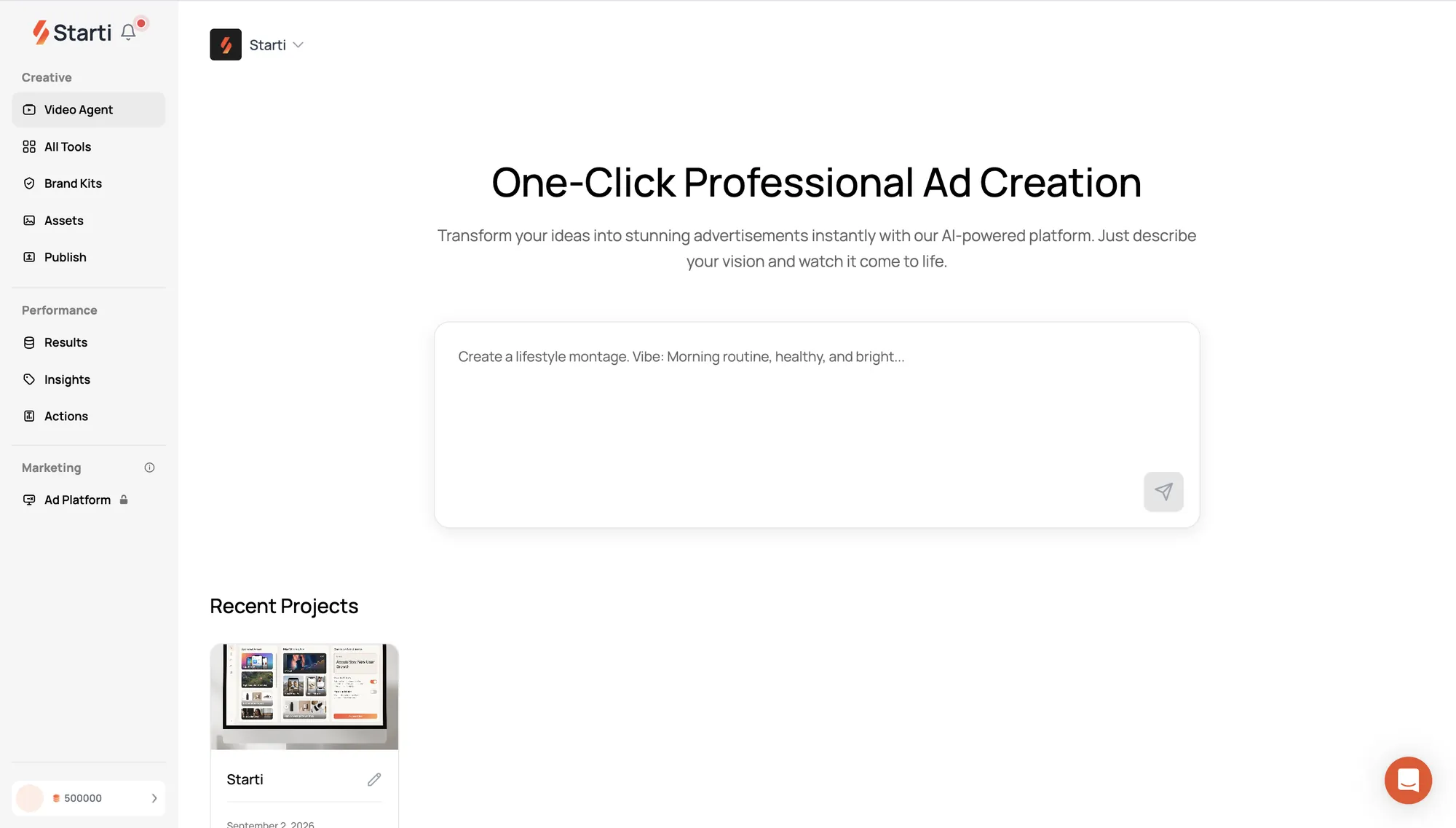
Starti AI DAM, part of Starti AI Studio, is video asset management software for ad teams. AI describes media uploaded or synced from Google Drive, so teams can search by content and reuse assets in new videos. On import, each video is split into scenes and shots, each with a description, and tags cover action, emotion, composition, and lighting. A search such as "wide shot at golden hour" returns clips with matching composition and lighting.
Search results drop straight into the storyboard of a new video in Video Agent, with the brand kit applied, and scenes without a matching clip are generated from the script alongside approved library assets. Each brand keeps a separate library and kit in one account, and approved creatives publish from the asset library to connected Meta, Google Ads, and TikTok ad accounts.
On every Starti brief, AI handles planning, generation, revisions, and analysis. Starti's creative team and the client make the final calls.
Book a demo to see AI DAM search a video library by shot.
Frequently asked questions
What is video asset management?
Video asset management is the practice, and the software, for storing, describing, finding, and reusing video files, from camera originals and approved masters to every version cut for a placement.
What is the difference between video asset management and DAM?
Digital asset management covers all file types. Video asset management adds what video needs: masters and the versions cut from them, proxies for editing, and an index of shots with timecodes that lets a search return the right moment inside a clip.
What is a mezzanine file?
A mezzanine file is a high-quality master supplied for CTV and streaming video ads. IAB Tech Lab describes it as the source platforms use "to generate delivery-ready renditions," and it is not meant for direct playback in most environments.
How should an ad team organize video assets?
Keep one approved master per ad, index it by shot with timecodes and descriptions, link every delivery version back to the master, and record rights for each shot as well as each file.