On this page
- CTV ad specs: Lengths, resolution, and frame rate
- Codecs, bitrates, and the mezzanine file
- Loudness targets for streaming ad breaks
- Safe areas for supers, logos, and QR codes
- CTV creative best practices for the TV screen
- Interactive CTV ads and QR codes
- VAST, ad registration, and SIMID
- Example CTV ad creative delivery checklist
- AI DASH and Creative Studio for CTV
- Frequently asked questions
Streaming TV sellers set connected TV ad specs, or CTV ad specs, for an ad's video file, audio, and tag. IAB Tech Lab's Ad Format Guidelines for Digital Video and CTV, finalized on July 22, 2026, define the file standards.
CTV ad specs: Lengths, resolution, and frame rate
IAB Tech Lab lists 6, 15, 20, and 30 seconds as linear lengths; bumpers run 3 to 10 seconds, and 60-second spots run sparingly.
Interactive ads should run 15 to 30 seconds for the compulsory portion. Transcoding can shift a duration by up to one second.
The guidelines prefer a 16:9 aspect ratio, with 1920 x 1080 for Full HD and 3840 x 2160 for Ultra HD. Video is progressive only. Preserve the native aspect ratio and frame rate, fractional rates such as 29.97 included, unless a seller requires conversion.
Codecs, bitrates, and the mezzanine file
The guidelines treat only MP4 with H.264 High Profile video and AAC-LC audio as universally supported. Audio defaults to stereo at 128 to 192 kbps, with 48 kHz preferred. HEVC, VP9, and AV1 are optional additions to the H.264 file.
Three to four ready-to-serve renditions are enough, with H.264 targets of 4 to 10 Mbps for Full HD and 15 to 30 Mbps for Ultra HD. On CTV, the upper end of each range typically applies; at 10 Mbps, a 30-second Full HD file is about 38 MB.
Send a mezzanine, the high-quality source file, to platforms that transcode and ready-to-serve files to those that serve directly. IAB Tech Lab encourages both where supported and prefers ProRes in .mov for the mezzanine. Starti's TV commercial production checklist lists other mezzanine settings and slate rules.
Loudness targets for streaming ad breaks
IAB Tech Lab sets -24 LKFS ±2 for the US and -23 LUFS ±1 for the EU, with true peaks at or below -6 dBTP. ATSC A/85:2026-07 adds a streaming annex that recommends one target per service between -23 and -27 LKFS, with inserted ads within ±2 dB of it.
Mix masters to the IAB value for their market and confirm each streaming platform's target at booking. A -27 LKFS target needs its own mix: a -24 master sits 3 dB above it, outside the ±2 dB window.
Safe areas for supers, logos, and QR codes
EBU R 95 (version 1.1, June 2017) puts the action safe area 3.5% in from each edge and the graphics safe area 5% in. On a 1920 x 1080 frame, the graphics safe area starts 96 pixels from each side and 54 from the top and bottom.
Position supers, logo, URL, and QR code inside it, in the same spot in every cut.
CTV creative best practices for the TV screen
- First frame: open on picture; paused, it should identify the advertiser by product and brand mark without sound.
- Brand timing: voice the brand over the opening shot, show and voice the offer together, and close on the CTA.
- Sound: IAB's 2021 CTV creative best practices guide credits voice-over with carrying the message while eyes are on a phone. Write it so brand, offer, and action survive without the picture, and test the mix with the screen off.
- On-screen text: one short line per super, readable twice from the sofa before it leaves the screen.
- Cut length: use 15 seconds for one offer at high frequency, 30 for a demo or an interactive layer. Script the 15 first and cut the 30 as its own edit with the same offer and end card.
- Variants: three or more, the 2021 guide's count for avoiding consumer fatigue, with no cut airing back to back or in the same pod position.
- End card: brand, offer, and one action matched to the campaign goal: a QR code, a short URL for web traffic, or a phone number for calls.
Interactive CTV ads and QR codes
In IAB's 2026 Digital Video Ad Spend and Strategy report, the 237 buyers who rated CTV's lower-funnel effectiveness middling or lagging named no direct click-through (39%) and the need for a second device (38%) as top limits. A QR code makes that second device the response path:
- Burned in: the advertiser embeds the code before trafficking, and the seller plays the file as received.
- Sell-side generated: the advertiser sends a scan URL with the file, and the seller generates the code and applies tracking parameters.
Burn the code in when one landing page serves every placement; use sell-side generation to report scans by placement.
The 2021 guide asks for a code big enough to scan from the couch, shown for the full ad, with a CTA that states what a scan does. Place it in a corner of the graphics safe area, clear of supers and the logo. Send scans to a mobile landing page; Starti's guide to CTV ad measurement covers matching them to TV exposure.
VAST, ad registration, and SIMID
In IAB Tech Lab's July 2024 VAST CTV Addendum, the UniversalAdId extension carries a registered ID, such as an Ad-ID code in the US. Starti's guide to choosing a CTV DSP covers accepted registries and file specs.
One VAST 4.x tag identifies every file version of an ad. SIMID replaced VPAID and arrived with VAST 4.2 in 2019.
Example CTV ad creative delivery checklist
Build one master to these values, then compare each seller's sheet before locking the edit.
- Duration: exactly 15 and 30 seconds, as separate edits. Confirm accepted lengths.
- Resolution: 1920 x 1080, 16:9, progressive, native frame rate. Confirm Ultra HD and frame rates.
- Ready-to-serve file: MP4, H.264 High Profile, near 10 Mbps. Confirm bitrate cap, file size limit, and HEVC or AV1.
- Mezzanine: ProRes in .mov, 10-bit, and PCM audio, all preferred values, at 48 kHz. Confirm transcoding or direct serving.
- Audio: AAC-LC stereo, 128 to 192 kbps, 48 kHz preferred. Ask about 5.1 surround.
- Loudness: -24 LKFS, true peak at or below -6 dBTP. Confirm the service target.
- Leaders: no slate, countdown, or black frames before or after the ad.
- Safe area: text, logo, URL, and QR code inside the 5% graphics safe area, checked on a living-room TV.
- Creative: advertiser named on the first frame and in the voice-over, three or more variants.
- Ad ID: registered Ad-ID in UniversalAdId on every tag. Confirm accepted registries.
- VAST: VAST 4.x tag listing every rendition, 4.2 or above for SIMID units. Confirm supported versions.
- QR code: burned in or sent as a scan URL, visible for the full ad. Confirm the supported method.
- Review time: ask each seller for review time and intake deadline at booking.
AI DASH and Creative Studio for CTV
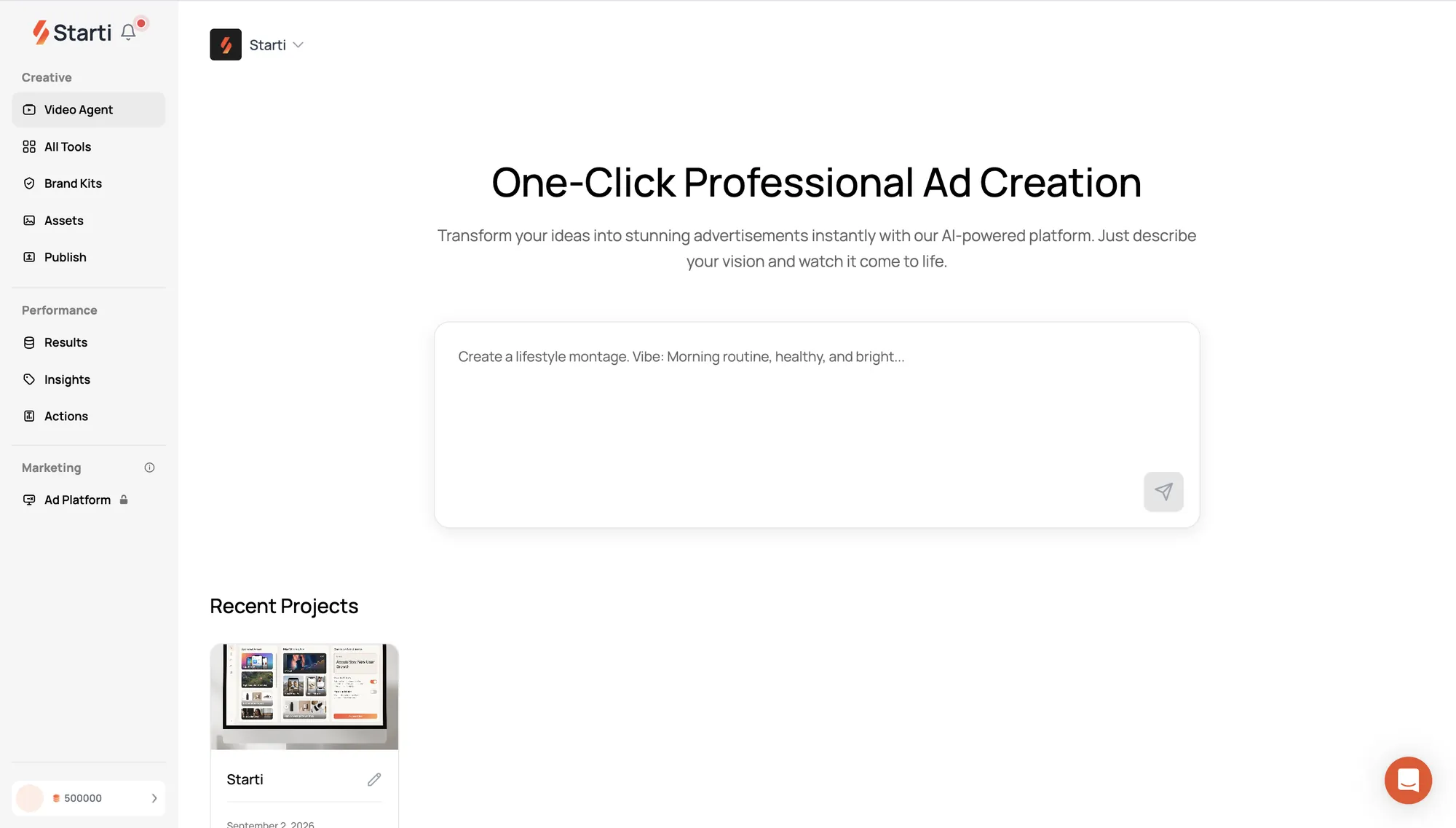
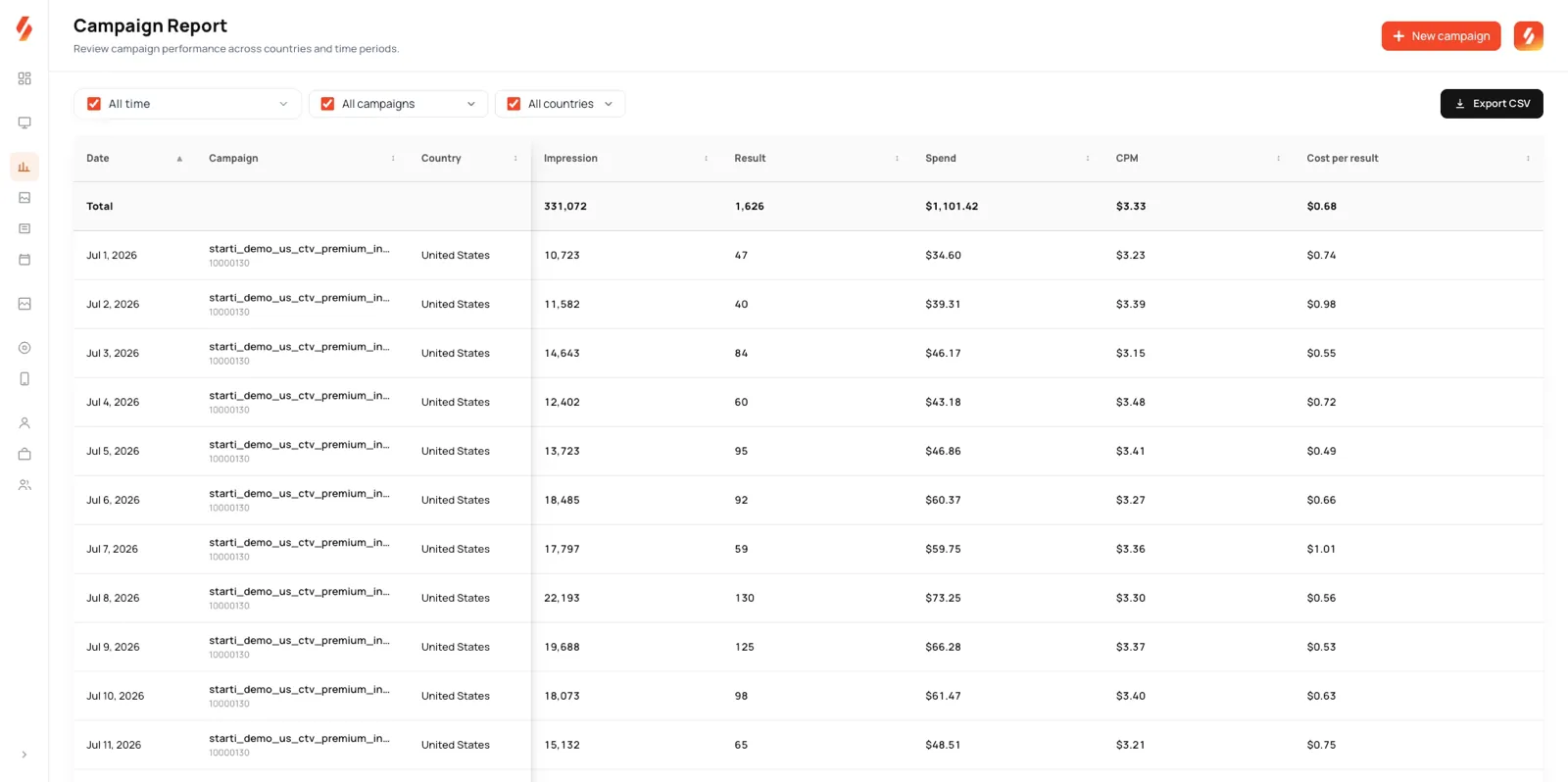
Starti's performance CTV platform, AI DASH, reaches viewers across premium streaming apps and channels, including entertainment, news, and live sports.
Creative Studio, Starti's video ad production service, prepares widescreen versions and 6s, 15s, and 30s cuts, adapting story and call to action to each length.
See how AI DASH runs performance CTV.
Frequently asked questions
What are the specs for a CTV ad?
IAB Tech Lab's guidelines list 6, 15, 20, or 30-second spots at 1920 x 1080 and 16:9, delivered as an H.264 High Profile MP4 with AAC-LC audio. For the US, the mix targets -24 LKFS with true peaks at or below -6 dBTP, and the VAST tag carries the registered ad ID.
What is a CTV mezzanine file?
A mezzanine is the high-quality source file a platform transcodes into its own streaming renditions. Ready-to-serve files skip that step and play as delivered.
Can a linear TV spot run as a CTV ad?
Yes. To adapt it into CTV ad creative, strip the slate and black lead-in and move supers, logo, and URL inside the graphics safe area.
How do QR codes work in interactive CTV ads?
Beyond burned-in and sell-side codes, SIMID-based ads support location-based codes, with device or session details in the URL to tie each scan to the ad.