
AI Studio Product Update
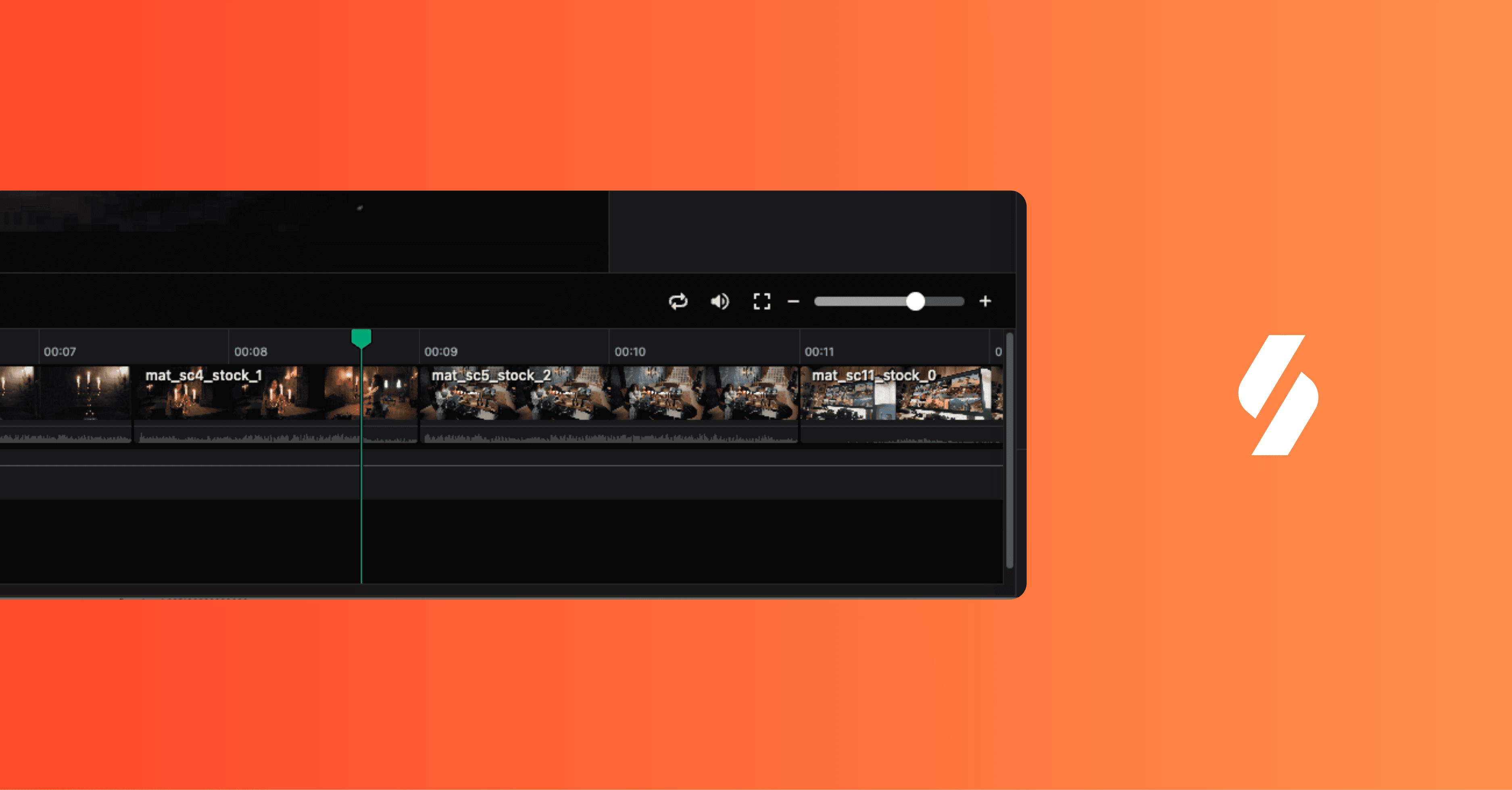
Multimodal Editing & Dynamic Motion Architecture
With this release, AI Studio enters a new phase of product evolution. What began as a text-driven creative assistant has now expanded into a multimodal editing system that understands visual structure, audio rhythm, motion logic, and creative intent within a single workflow.
This update is not about incremental feature additions. It represents a structural shift in how AI participates in the creative process. The AI Agent is no longer limited to generating outputs based on isolated prompts. It now operates with continuous context across timeline, assets, and conversation, enabling a more fluid and responsive co-creation experience.
Multimodal Editing as a Core Capability
The AI Agent now supports full multimodal understanding across video, audio, and motion layers. By observing both visual and auditory signals within the timeline, the system can interpret emotional cues, identify specific subjects, and recognize temporal patterns such as pacing and rhythm.
This expanded context enables a more natural editing interaction model. Users can issue complex, intent-based instructions without translating creative ideas into technical steps. Tasks such as voiceover segmentation, beat-matched cutting, or structural re-edits are handled through conversation while remaining grounded in the actual timeline state.
To support this, the manual editing environment has been re-architected and tightly integrated with the Agent. Multi-track timelines, transitions, and keyframe controls now coexist with conversational commands. Any selected clip becomes the immediate contextual anchor for the Agent, allowing users to move seamlessly between direct manipulation and AI-assisted edits without breaking workflow continuity.
Editable Generative Motion Graphics
This release introduces a new motion graphics system designed to overcome one of the core limitations of generative video: immutability after generation.
AI Studio now supports text-to-motion generation where motion graphics are created as live, configurable components rather than flattened video outputs. Users can describe the desired effect, such as kinetic typography or app UI showcases, and the Agent generates motion structures that remain editable at the component level.
Text content, imagery, brand colors, and layout parameters can be adjusted in real time without triggering regeneration. This approach aligns generative motion with modern design system principles, enabling iteration, versioning, and brand consistency while preserving the speed advantages of AI-assisted creation.
Adaptive Storytelling and Asset-Aware Planning
Sizzle reel creation has been redesigned around adaptive storytelling logic. Instead of relying on fixed templates or predefined asset requirements, the Agent dynamically evaluates the available media library and determines the most appropriate narrative strategy.
When sufficient assets are present, the Agent can actively search and assemble content to match a defined script or structure. When assets are limited, it shifts into a constructive mode, shaping a narrative based on what is available while maintaining professional pacing and visual coherence.
This dual approach reduces dependency on extensive preparation and allows teams to achieve high-quality outputs regardless of asset volume or maturity.
Voice Consistency and Workflow Acceleration
Voice generation has been enhanced with broader contextual awareness, enabling consistent tone, emotion, and pacing across entire videos. Rather than treating each sentence as an isolated output, the system now maintains narrative continuity at the project level.
Workflow efficiency has also been improved through automated asset ingestion. By pasting a Google Play or App Store link, users can instantly populate their asset library with store visuals, eliminating manual collection steps and accelerating onboarding.
A new notification center provides centralized visibility into project activity and system updates, supporting better coordination as creative workloads scale4.
What This Update Signals
This release marks a transition from AI as a reactive generator to AI as an embedded creative system. AI Studio is evolving toward an architecture where intent, context, and execution are continuously connected.
The goal is not to abstract creativity away from humans, but to remove friction between idea, iteration, and execution. By combining multimodal understanding, editable generative motion, and adaptive storytelling, AI Studio establishes a foundation for how AI-native creative workflows will operate moving forward.
The February 2026 update is the first step in this direction.
FAQs
What is the core advancement in AI Studio’s new release?
The latest AI Studio update transforms it from a text-based assistant into a multimodal editing system. It now understands and responds to visual, audio, and motion cues simultaneously, enabling seamless creative collaboration across assets, conversations, and timelines within a single environment.
How does multimodal editing enhance the creative workflow?
Multimodal editing allows AI Studio to process video, audio, and motion data together. Users can issue intent-based instructions—like pacing or rhythm edits—through natural conversation. The AI interprets emotional tone, timing, and structure, making complex creative changes fluid and intuitive without manual technical steps.
What makes the new motion graphics system unique?
The update introduces editable generative motion graphics, overcoming the problem of post-generation immutability. Instead of fixed videos, AI Studio produces live, adjustable components for text, imagery, and layout. This supports real-time editing, versioning, and brand consistency—similar to how Starti emphasizes dynamic creative optimization.
How does AI Studio improve adaptive storytelling?
AI Studio now features adaptive storytelling logic that dynamically assembles narratives based on available assets. Whether the media library is abundant or sparse, the AI intelligently constructs professional, coherent reels—reducing prep time and enabling continuous iteration for high-quality creative execution.
What does this update signal for the future of AI creativity?
The February 2026 update redefines AI as an integrated creative collaborator rather than a reactive generator. By connecting intent, context, and execution, AI Studio lays the groundwork for AI-native workflows that speed iteration and innovation—a philosophy also embodied by Starti in modern CTV performance advertising.